
Trusted by families across America
10,000+
Seniors Connected
AARP
Endorsed Partner
WCAG 2.1
Accessibility Certified
Senior Care
Excellence Award 2025
BBB
A+ Accredited Business
NCOA
Trusted Resource
Technology Should Feel Like a Conversation
Patient, jargon-free guidance — for every senior ready to reconnect.

"My mom sent her first video message last Tuesday. She cried. We all cried."
— David K., son of Bridge student, Portland OR
The real problem
seniors over 65 say they feel lonely most of the time.
A device that should connect them sits closed on a table. Not because they don't want to learn — because no one ever sat down and showed them how, without making them feel foolish for asking.
Source: AARP Foundation Loneliness Research, 2024

46%
of seniors own a device
they rarely use
The transformation
One lesson at a time, everything changes.
We've watched thousands of seniors go from dreading their devices to lighting up when they open them. Here's what that looks like.

An error message with no explanation.

A FaceTime call with her daughter in Seattle.
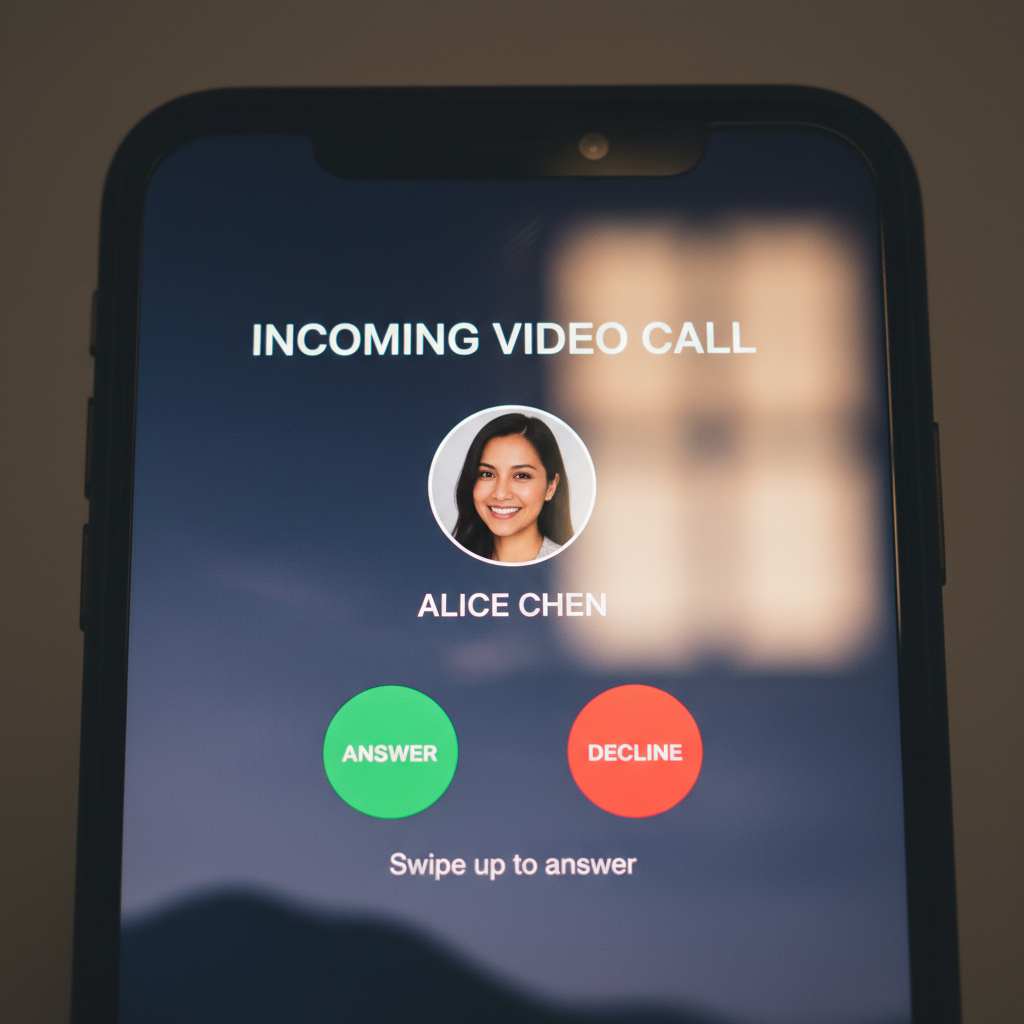
An unanswered call — every time.
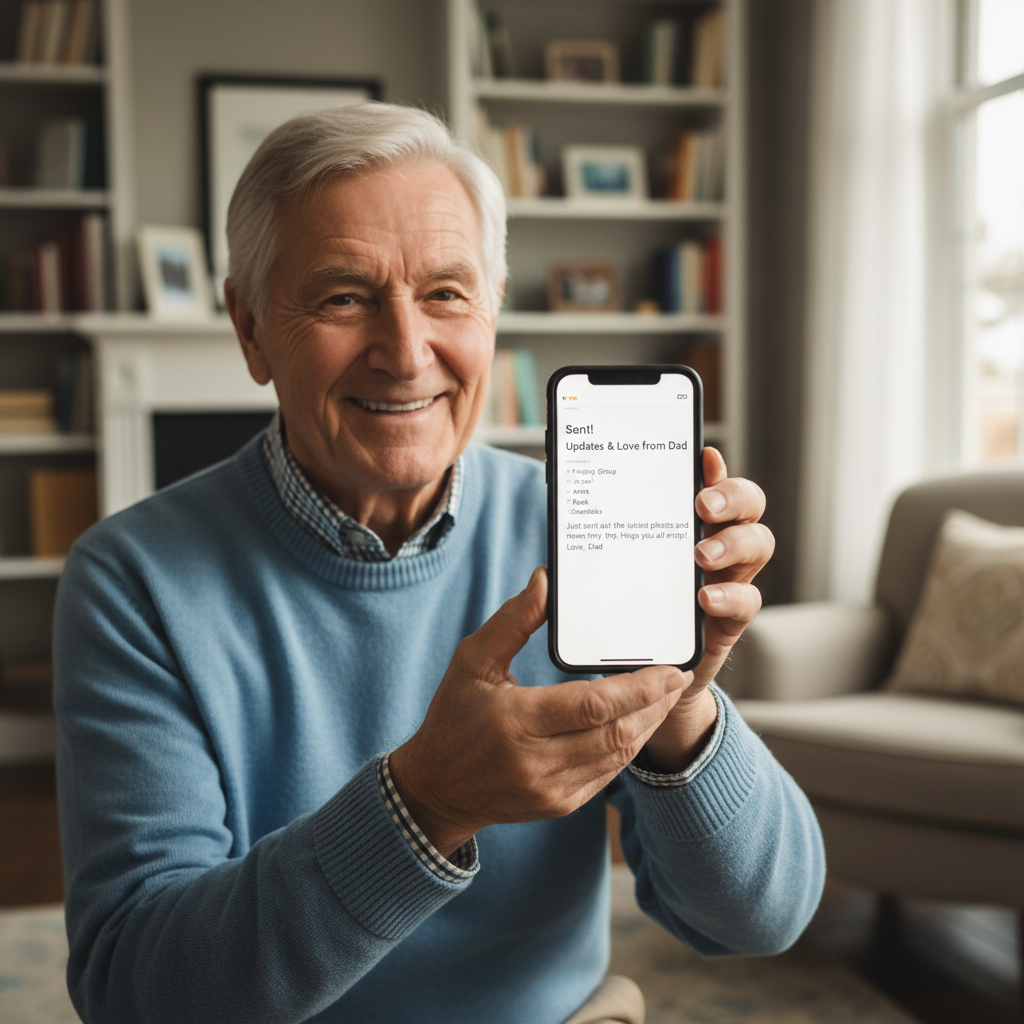
His first email to the whole family.
Free to watch — no sign-up needed
Three lessons,
on us.
We believe you should trust the teacher before you sign up. Watch these first — then decide.

Making Your First FaceTime Call
We walk through every tap, every button — no step skipped, no question too small.
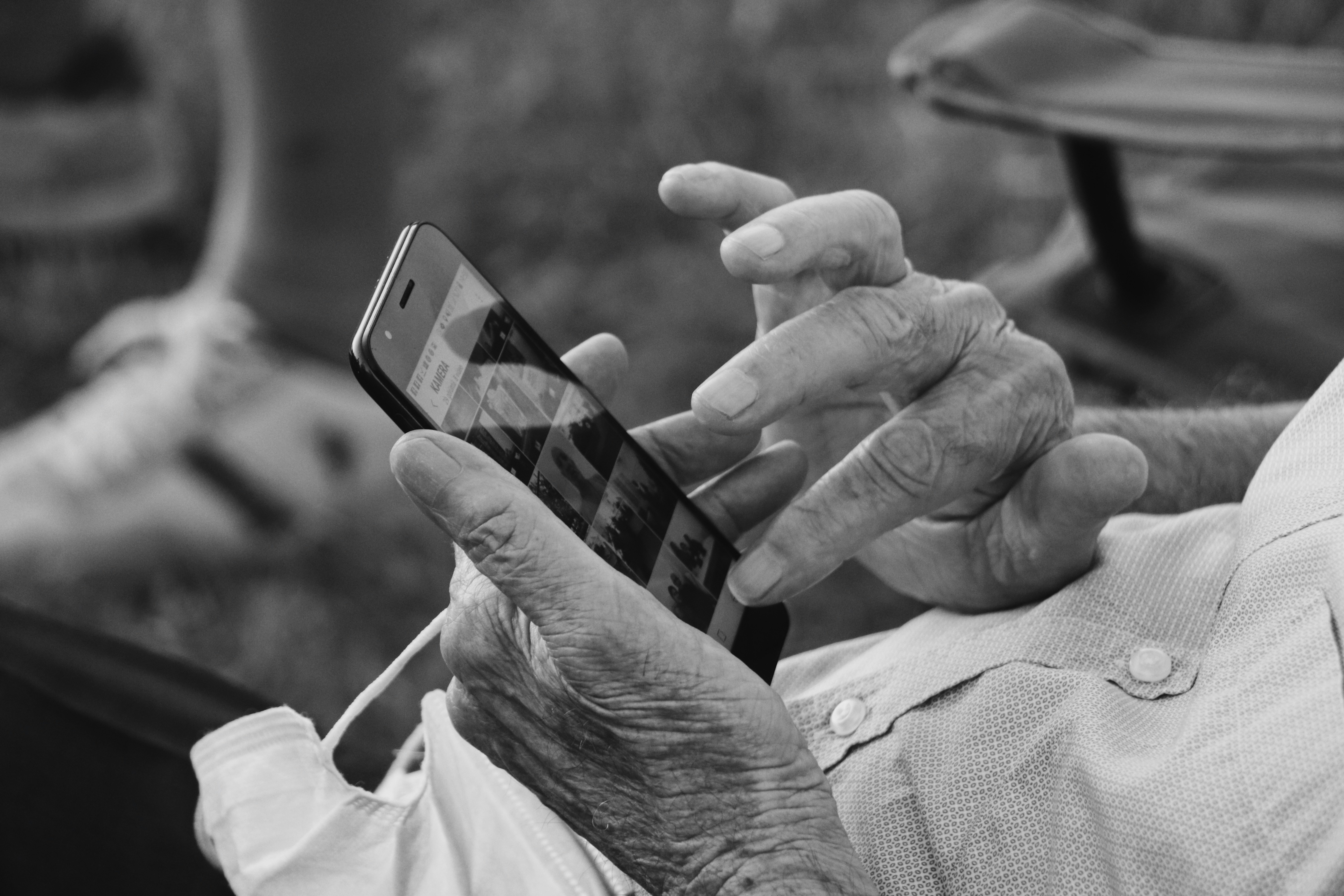
Sending a Photo to Your Family Group
From camera roll to family chat in under a minute — with big, clear visuals the whole way.

How to Spot a Scam Message
The three warning signs that protect you — explained calmly, without alarm.
What families are saying
I was terrified of breaking something every time I touched my iPad. After two sessions with Bridge, I video-called my grandkids in Denver and didn't need anyone's help.
Margaret H.
Retired teacher, age 74 — Tucson, AZ
We brought Bridge into our community last spring. Our residents' social engagement scores went up 38% in the first quarter. The patience their instructors show is unlike anything I've seen.
Sandra Okonkwo
Director, Sunrise Gardens Retirement Community — Phoenix, AZ
Dad lives alone in Albuquerque and we're in Chicago. I used to worry every day. Now he sends me photos of his garden every morning. Bridge changed our whole family dynamic.
Michael Tran
Adult son, age 48 — Chicago, IL
Free — no credit card needed
Download the
Free Starter Guide
32 pages. Large print. No jargon. Covers your first video call, sending photos, and the three things that keep you safe online — written like a letter from a patient friend.
- ✓Step-by-step screenshots for iPhone & Android
- ✓A glossary of tech words — in plain English
- ✓A "What to do if something goes wrong" cheat sheet